You can create as many classes as you need.
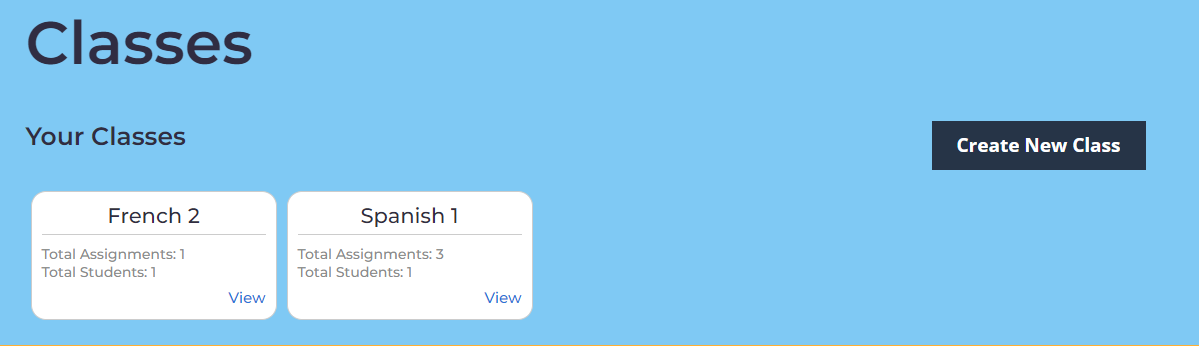
You can invite students to your class with a link (see below) or you can add them manually. To use a link, students will have to sign up for their own accounts first. Data is protected and confidential (see our privacy policy in the support section). You can also create the students accounts for them!
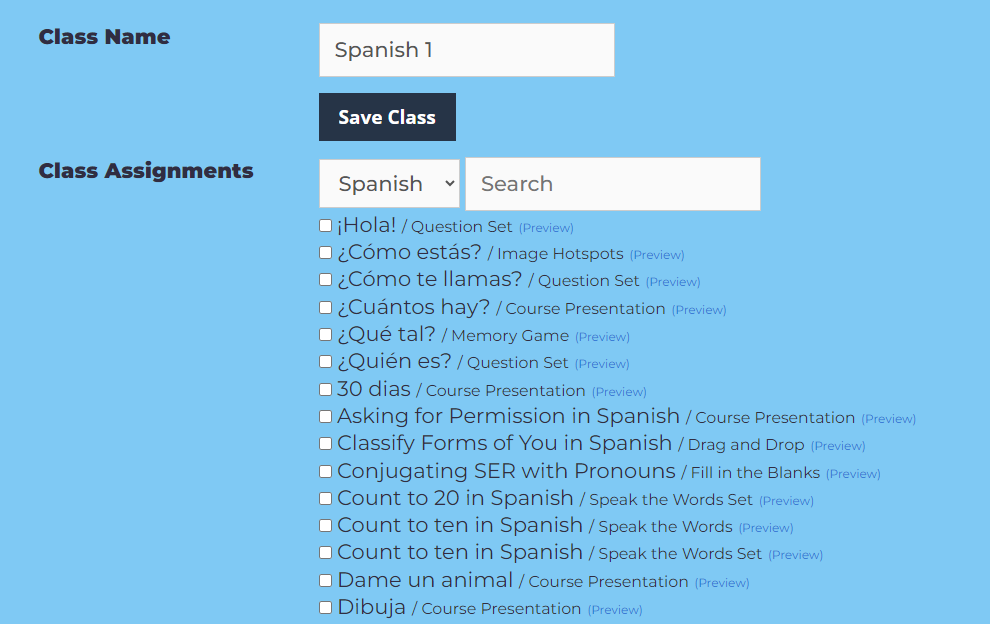
When you edit the class, you will choose which assignments to give students. You can filter results by language or by searching a topic in the search box.
You can see the results by assignment or by student. Students will also have a printable page of results.
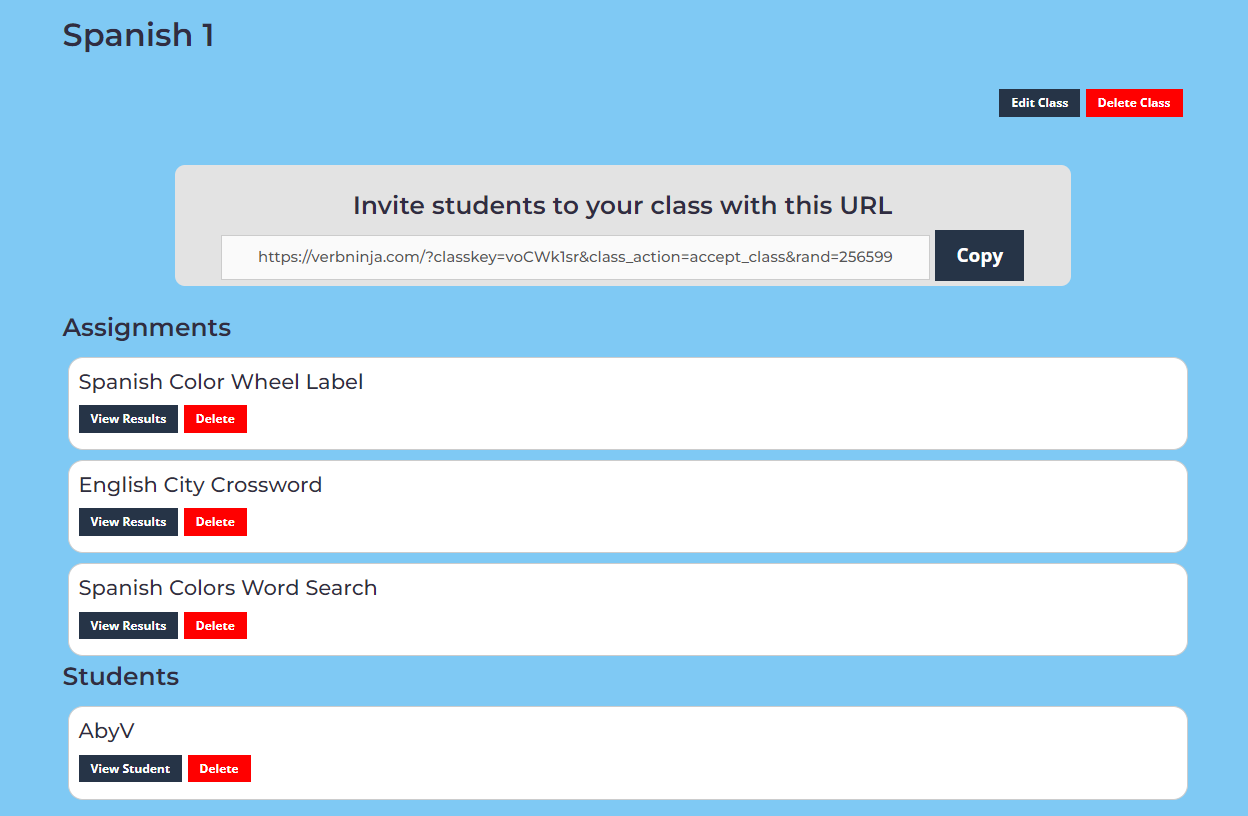
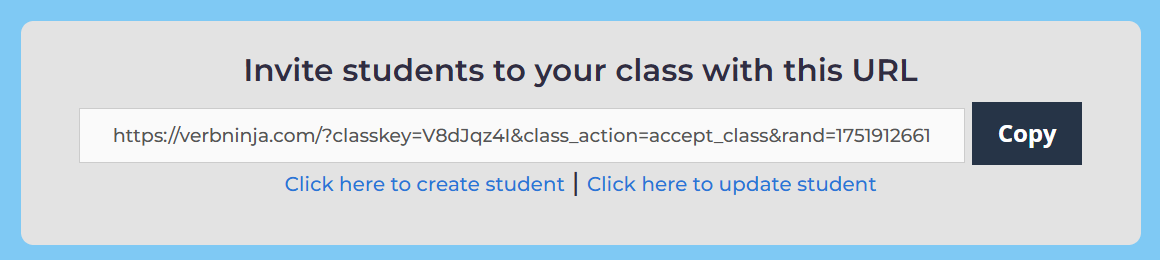
You can invite or manually add students.
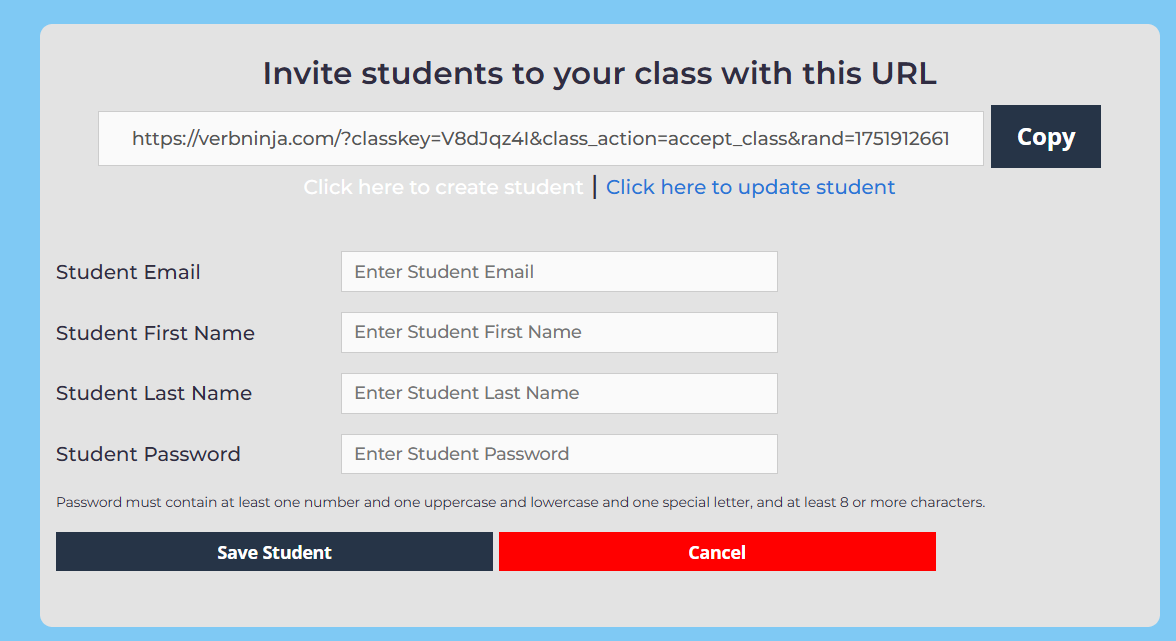
You will need a unique email for the Verb Ninja system. It can be fake, but you will not receive any notification emails or links to change password unless it is a true email.
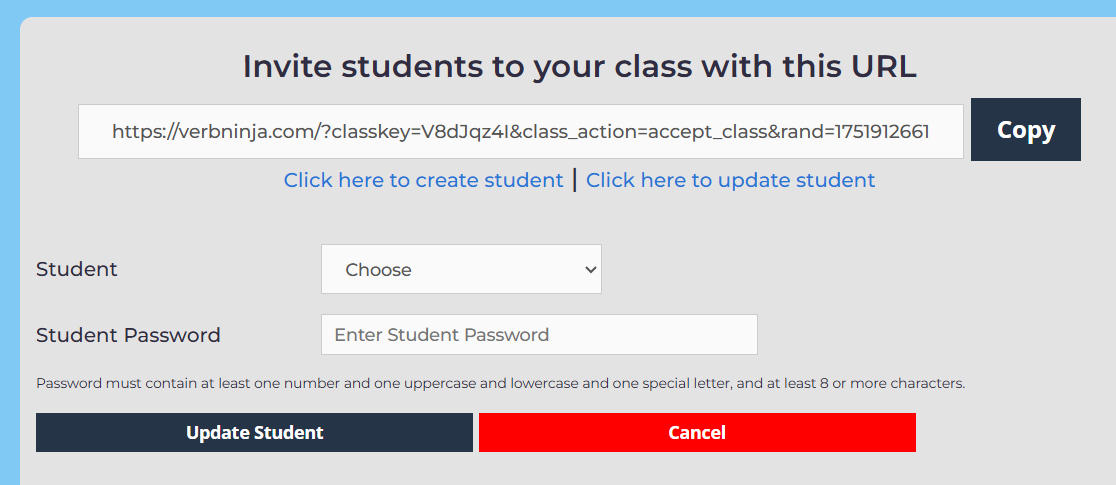
However, you can manually change the student’s password yourself! Just choose the name of the student from your list and enter a password that meets our security standards.
Sign up for a premium account!